
2FA TOTP
TOTP is a time-based one-time password algorithm. You can use it to authenticate your account. Use one of the apps on your phone to generate the codes:
- Authy
- Google Authenticator
- Microsoft Authenticator
- other "authenticator" apps
Why use 2FA?
- It's more secure than just a password or minecraft account.
- For more privileged users like admins, 2FA means a higher level of security.
How does it work?
- You enter the code generated by your authenticator app.
- If the code is correct, you can log in.

Even if you have password enabled, you can still use 2FA. 
Enabling 2FA
Every registered player can enable 2FA using the /setup2fa command.
- User will receive a secret that they need to enter in the authenticator app or they can scan generated QR code.
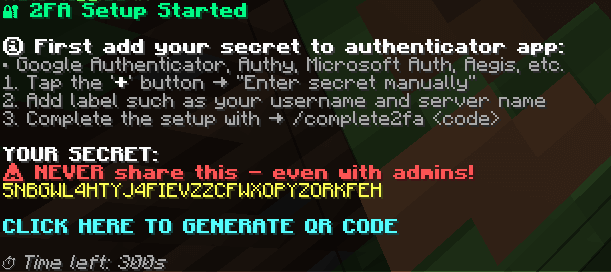
For simplicity scannable QR code can be generated too.
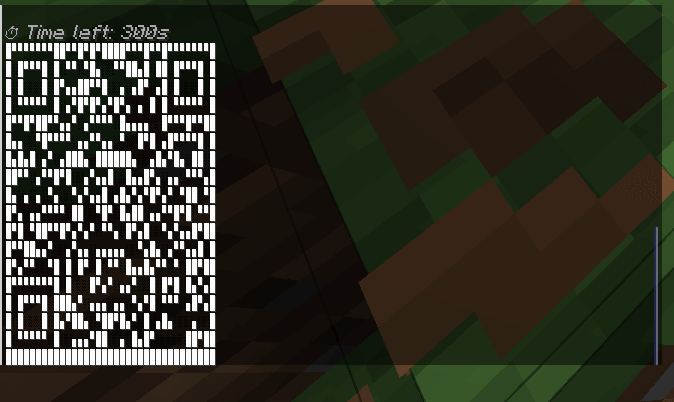
- After successful authenticator app setup enter the code generated by the app using the /verify2fa command.
- If the correct code was provided, then the setup is complete.

Disabling 2FA
To disable 2FA use the /disable2fa command.